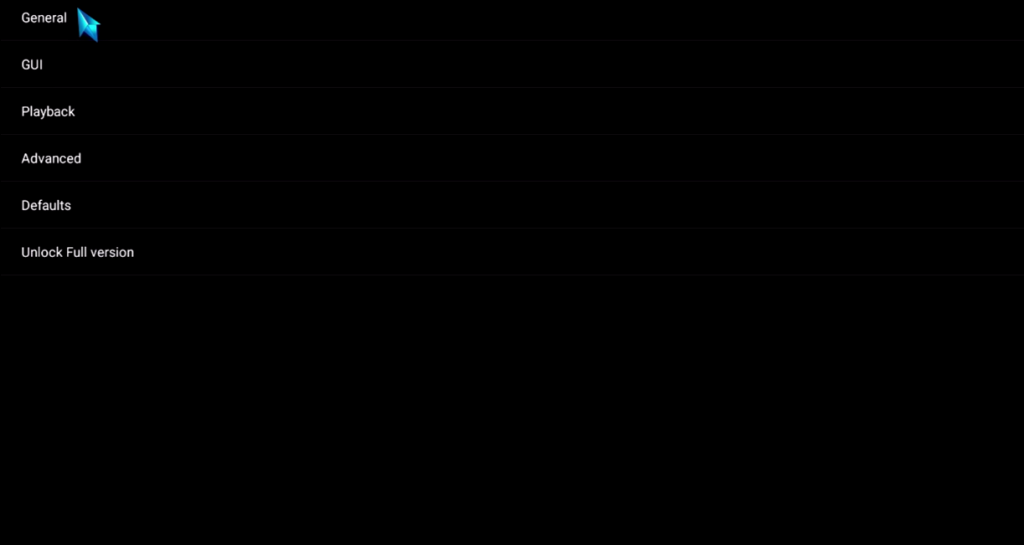
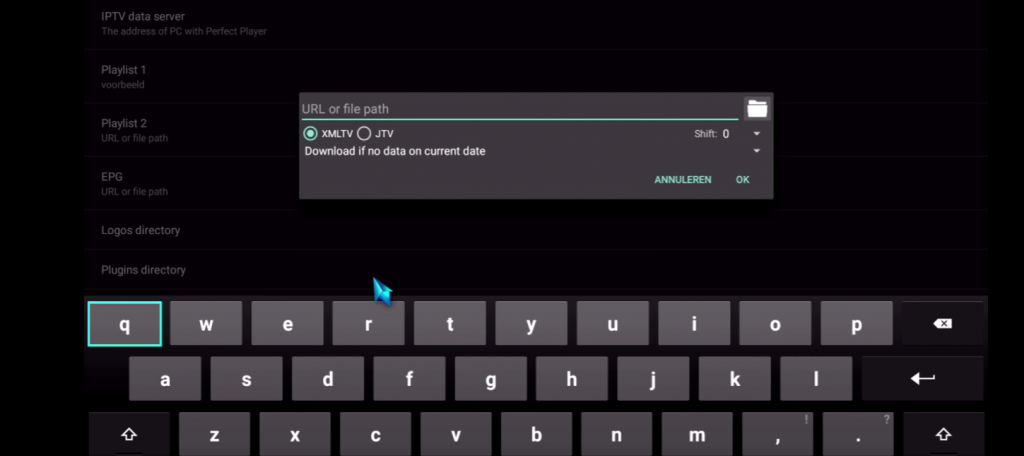
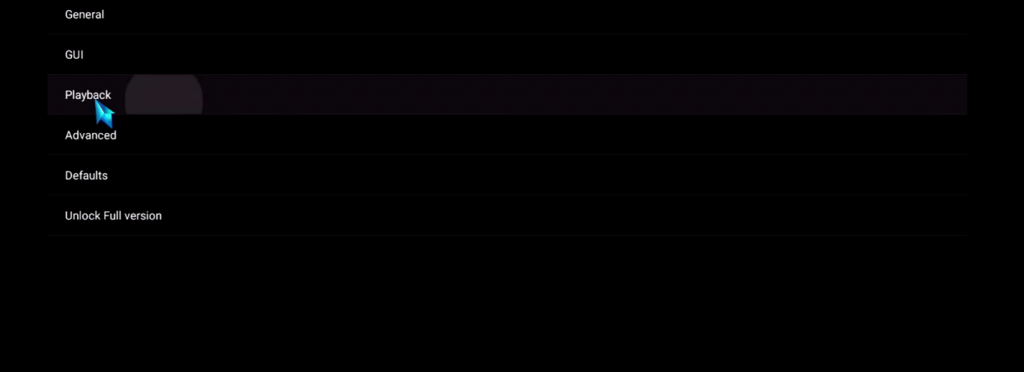
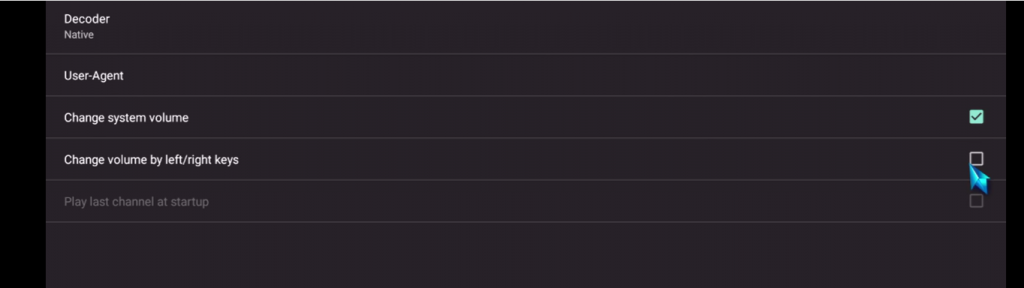
9 – Go back to your Settings Page and go to GUI
10 – Check ONLY Show channels as group folder
11 – Restart Perfect Player
12 – Now you see channels list on the left side
13 – Press left the button on the remote controller now you have all channels on group folder
14 – Go to any folder and enjoy to watch all channels
Get 10% OFF